PaintForge
Paint. Sculpt. Scatter. One brush engine.
Vertex painting, sculpting and prefab scatter in one Unity 6 tool, all running on the same brush engine. Paint the mesh where it lives - no export, no round-trip through a DCC package, and none of the tool's code in the shipped game.
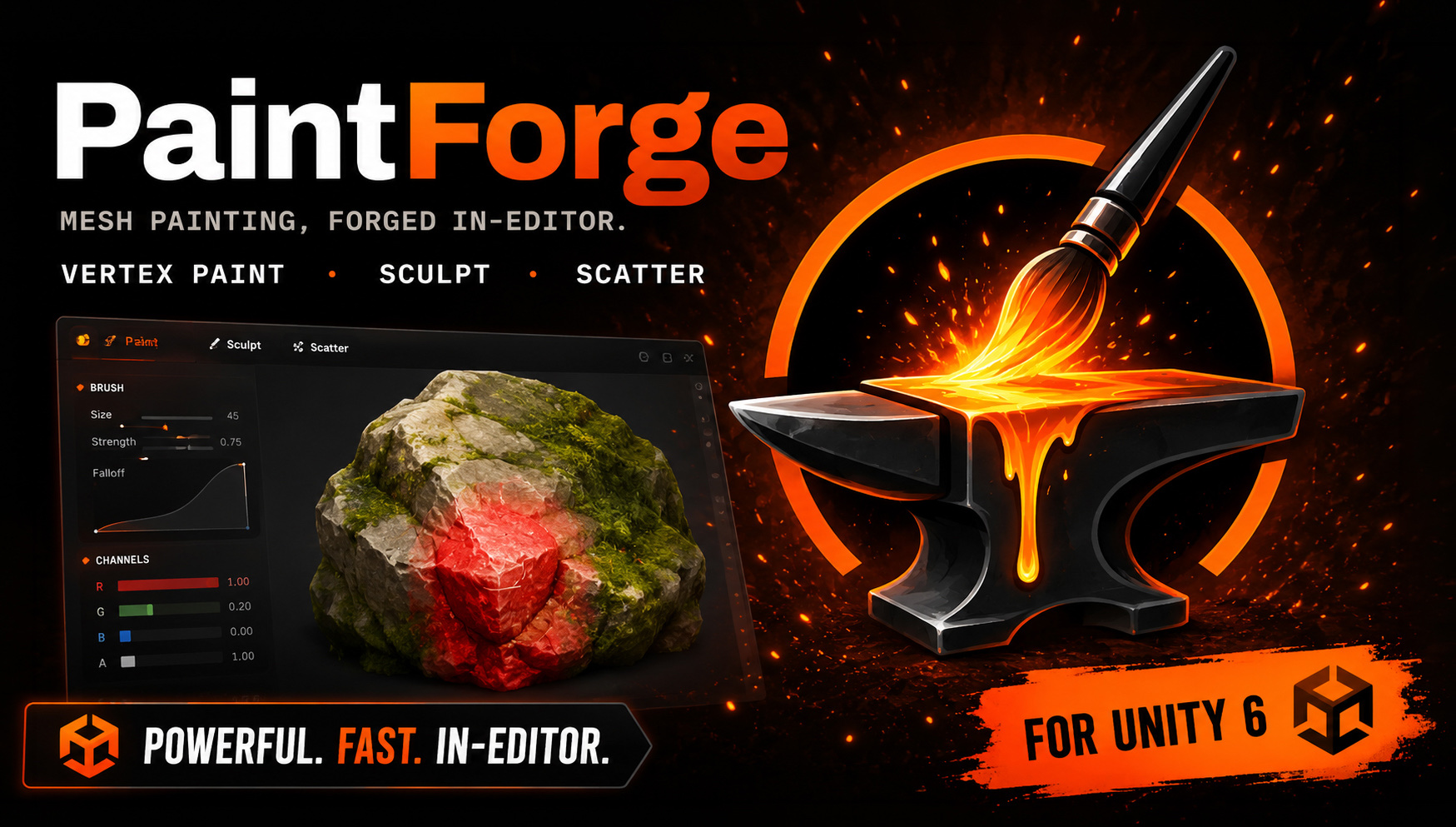
PaintForge is the second product from Wirewolf Design, and it comes from the same frustration as the first one: the work an artist wants to do is in the engine, but the tools live somewhere else. Blending two materials across a rock, softening a silhouette, scattering trees.
Unity's own Polybrush covered part of this and then stopped being maintained. PaintForge is a replacement built for Unity 6.
Each of those jobs is a loop out of the engine and back: export the mesh, paint or push vertices in a DCC package, export again, re-import, reassign the material - then look at it in context and find it needs another pass. The work takes minutes. The round-trip takes the afternoon.
re-import → reassign → check in engine
Every mode consumes the same stroke pipeline. Raw pointer events pass through a screen-space stabilizer - a "lazy mouse" that string-pulls the brush behind the cursor so hand jitter dies before it reaches the surface. A sampler then converts the smoothed path into evenly spaced dabs, carrying leftover distance across pointer events so spacing stays constant however the input is chunked, with size, angle and position jitter drawn from a per-stroke reseeded generator. Each dab is raycast against a uniform-grid spatial cache of the mesh - Möller–Trumbore over persistent native arrays - and only then does the active mode decide what a hit means: color, displacement or a prefab.
The data side is defensive by design. Copy mode - the default - paints an instanced clone and serializes the paint separately, so the source asset is never modified; Direct mode writes the source only after a confirmation and an offered backup. Undo stores sparse diffs - touched vertex indices with byte-exact before/after values, one undo step per stroke across every object it touched - keyed by GlobalObjectId with a live-reference fallback, so history survives domain reloads. And every render texture or compute buffer the tool creates goes through a tracked pool that flushes, and names leaks, before each assembly reload.
// String pulling: the filtered position trails the raw pointer at the end of a
// taut string. Inside the radius nothing moves - hand jitter dies there.
public Vector2 Filter(Vector2 rawScreenPosition)
{
    Vector2 delta = rawScreenPosition - _current;
    float distance = delta.magnitude;
    if (distance > _radius && distance > 1e-6f)
    {
        _current = rawScreenPosition - delta * (_radius / distance);
    }
    return _current;
}STRING PULL
SEEDED JITTER
NATIVE ARRAYS
SNAPSHOTS
The same stabilizer, sampler and spatial cache drive vertex paint, sculpt and scatter. A new mode is a new operation on the same dabs, not a new engine - so a brush fix lands in every mode at once.
A stroke commits touched indices with byte-exact before/after values - never a full-mesh snapshot - and a multi-object stroke is one undo step. Records resolve their target by GlobalObjectId with a live-reference fallback, so history survives domain reloads and recompiles.
Five brushes - push/pull, smooth, flatten, inflate, grab - run on a position-welded adjacency map built in O(V + T): vertices duplicated along UV seams share a weld group and move as one, so smoothing can't tear the mesh open.
Copy mode paints an instanced clone and keeps the paint serialized beside it; the source asset is never modified. Direct mode is opt-in and writes the source only after a confirmation and an offered backup.
Placement math is pure and headless: uniform-in-disc samples from a seeded generator with a documented draw order, so the same stroke and seed reproduce byte-identical transforms. What it drops are ordinary prefab instances - no component riding on every object.
On a skinned mesh the brush lands where you see the surface, not on the bind pose: the spatial cache is baked from the current pose and re-baked only when a bone hash changes. Vertex order is preserved, so hits map back with zero remapping - and the non-skinned path stays byte-identical, pinned by a regression test.
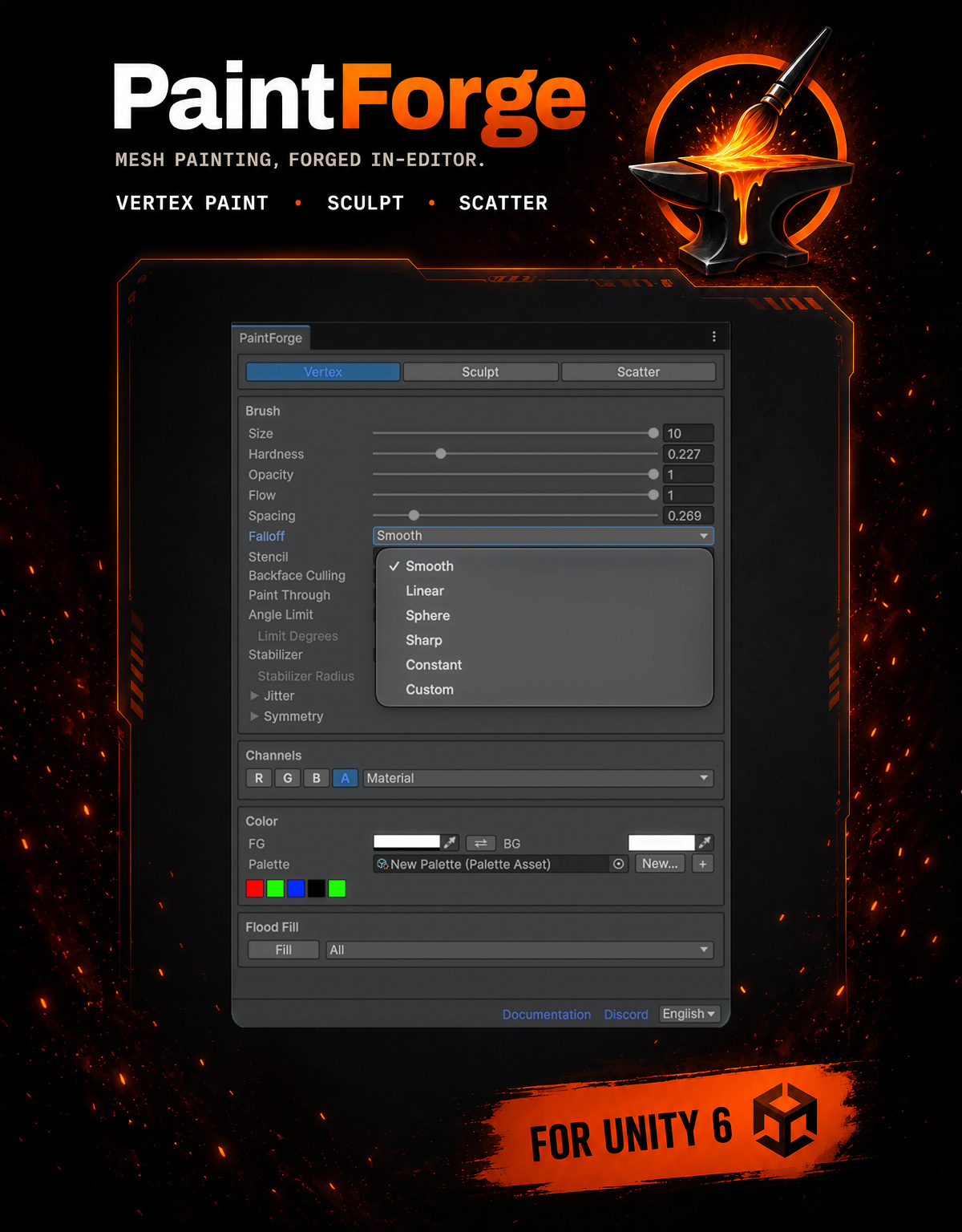
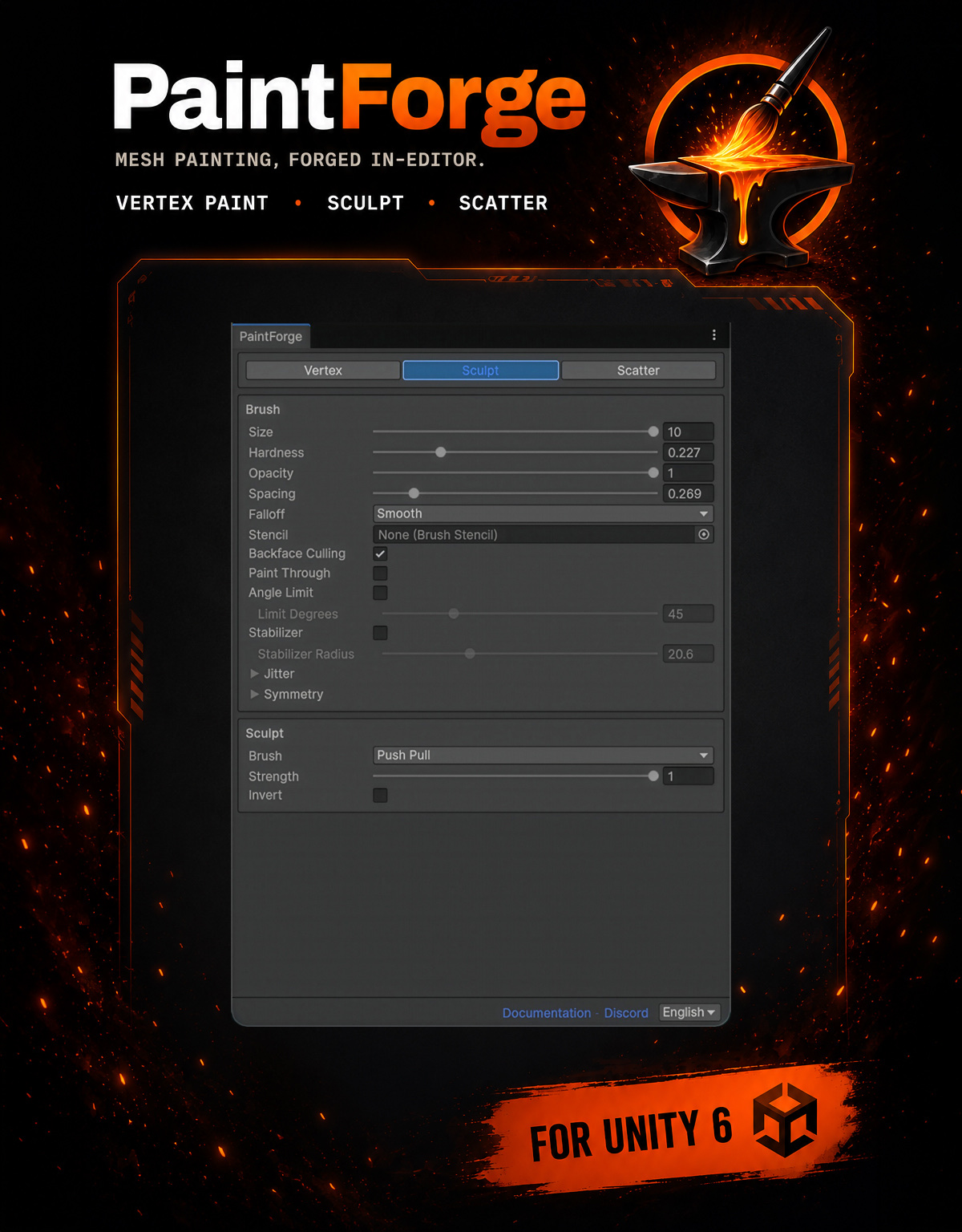
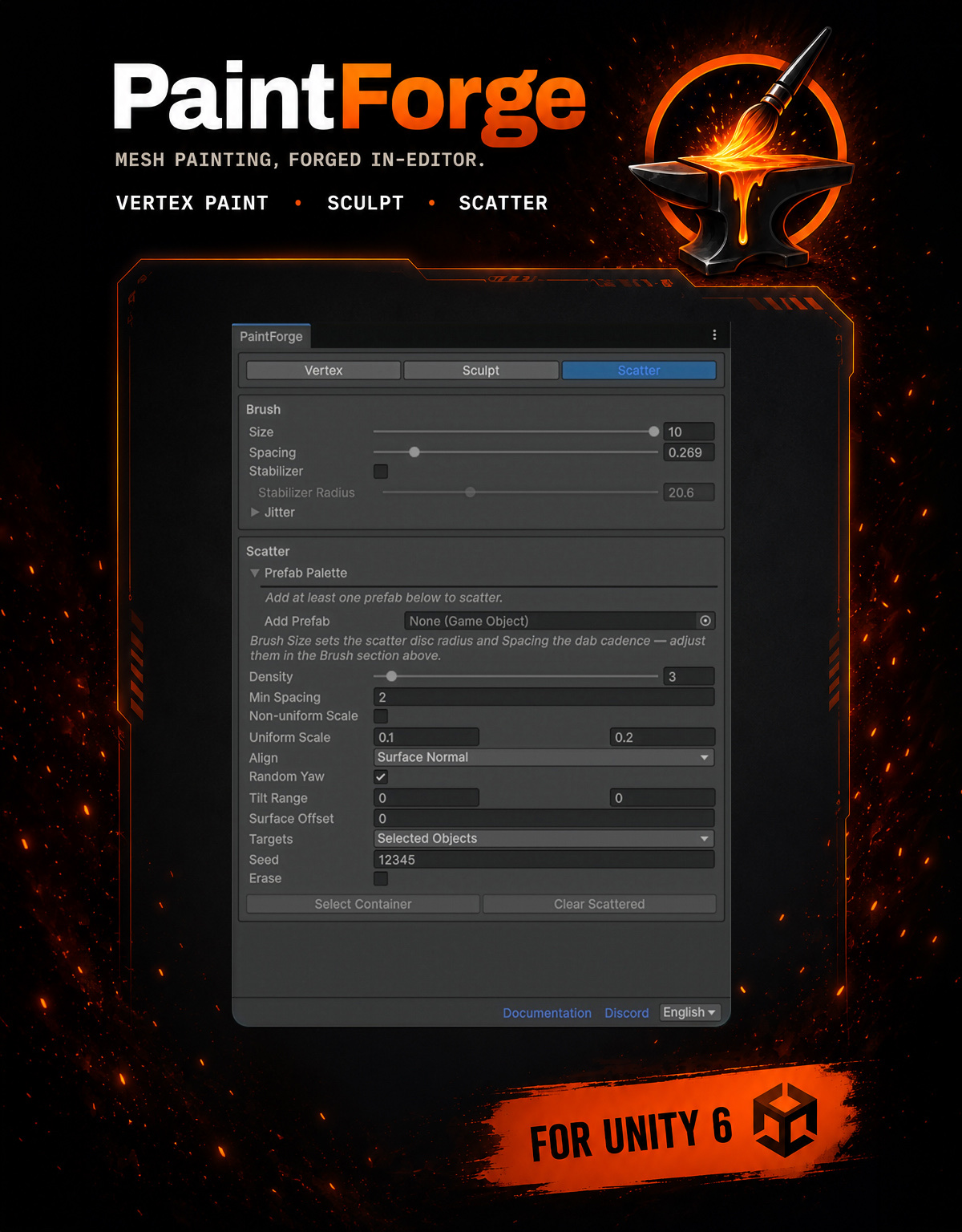
The decision I care about most is what does not ship. PaintForge is an editor tool, so none of its code belongs in a player build: both assemblies are editor-only - even the scene component compiles out entirely. Shipping a painted mesh means baking it to a standalone asset (or back into the source FBX), and a build guard fails the build if anything painted is still un-baked - with the list of objects and the fix in the message, rather than a silent surprise in a shipped game.